Can be used naturally as a calculator
The vertical screen is a basic calculation mode, and the horizontal screen is a scientific calculation mode with trigonometric functions, logarithms, powers, and memory.
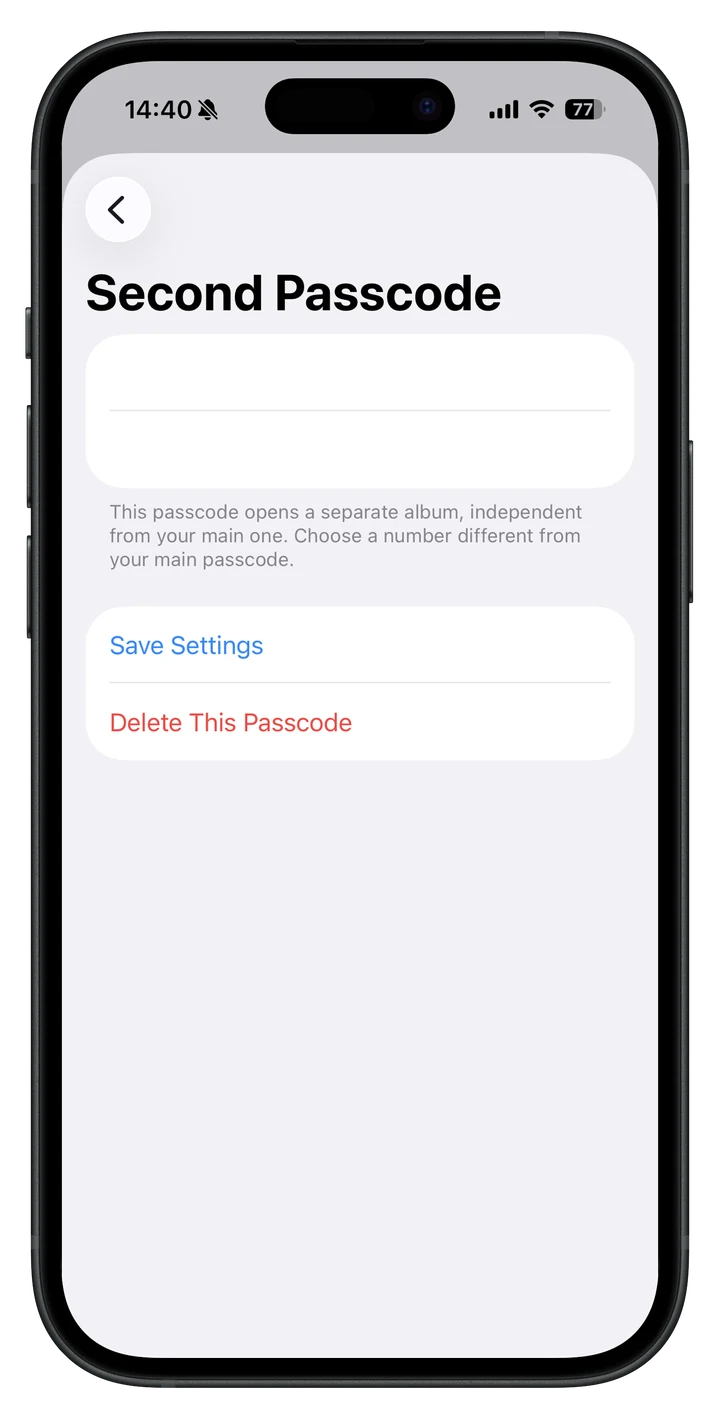
Calc+ works as a standard calculator in portrait mode and a scientific calculator in landscape. Enter a four-digit passcode to open your private photo and video vault—or use a decoy passcode to show a different vault.
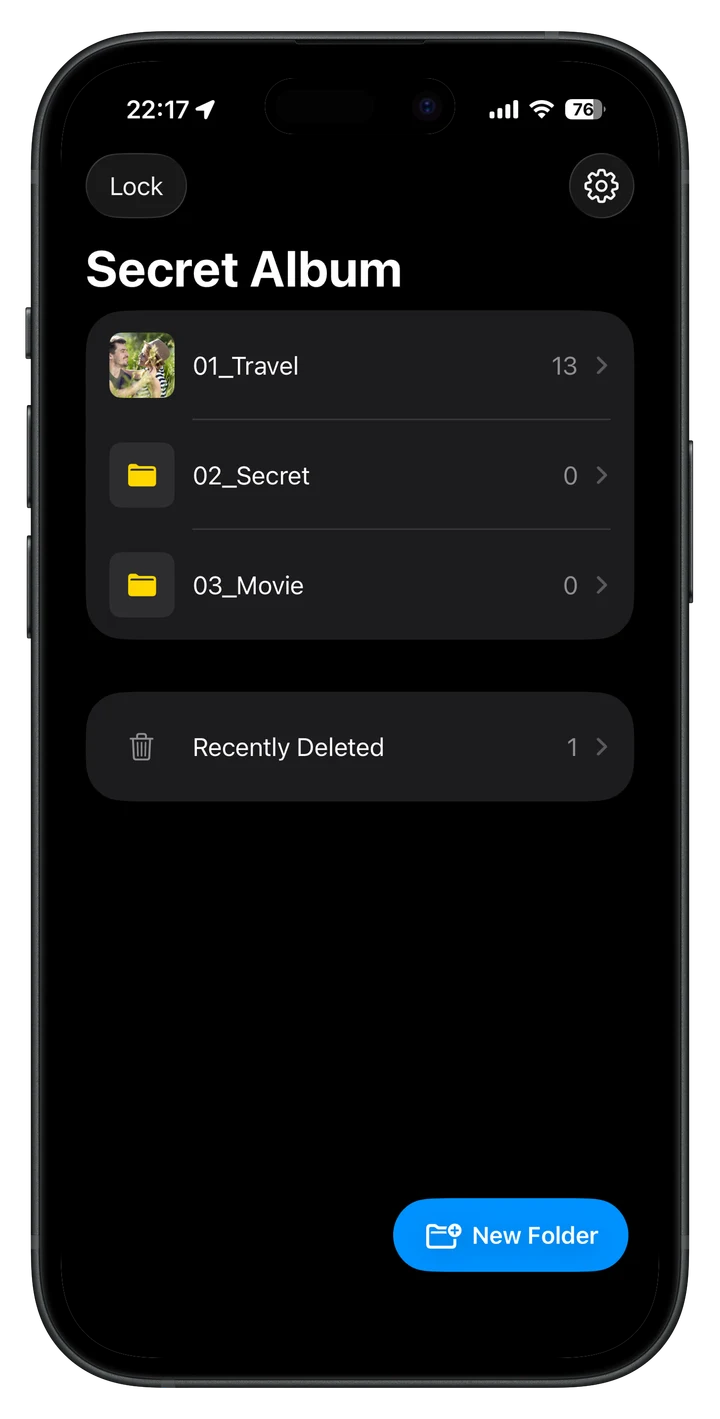
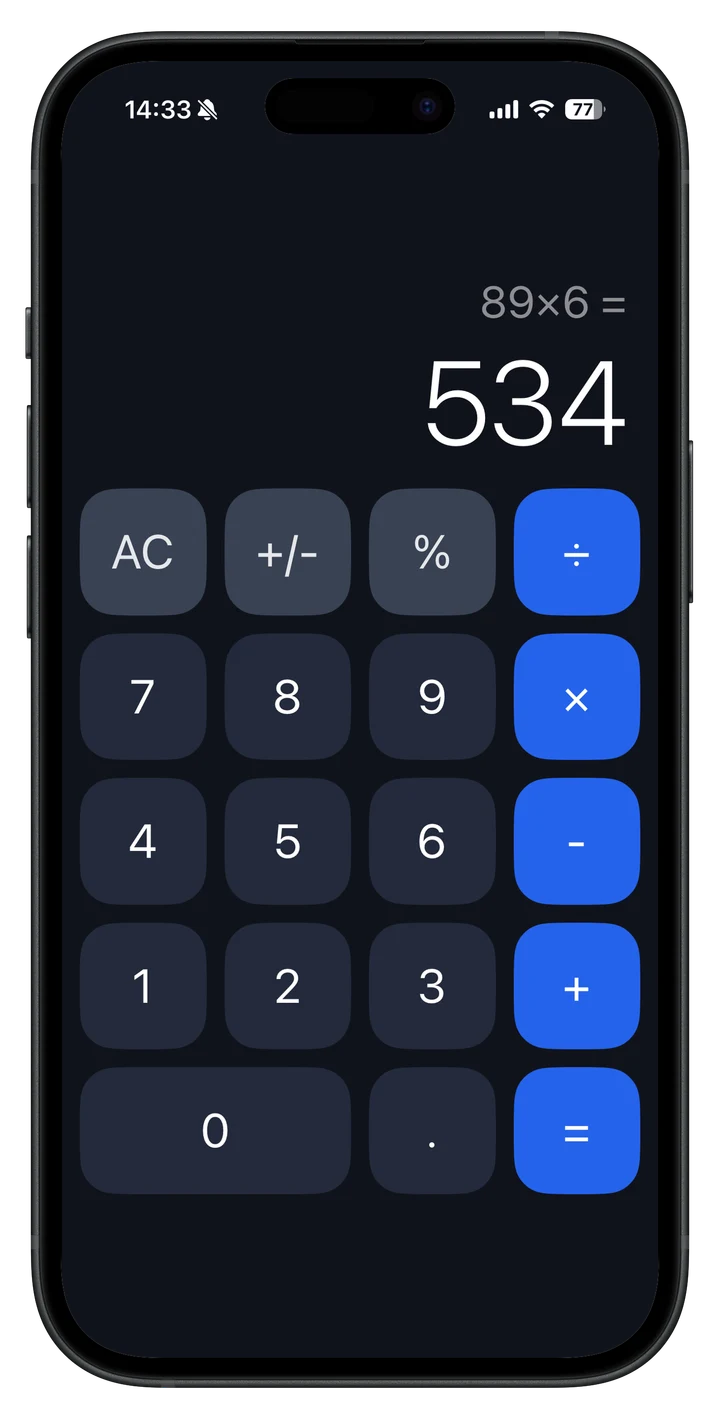
Calc+'s strength is that it does not focus on security features. The icons, screen, and operation feel are all designed to function as a calculator, with a privacy protection mechanism behind them.
The vertical screen is a basic calculation mode, and the horizontal screen is a scientific calculation mode with trigonometric functions, logarithms, powers, and memory.
In addition to the real password, you can set a password to open the storage for viewing.
Designed with the premise of folder management, automatic locking, and storage on the device rather than storing photos and videos in the cloud.
The smartphones of people in their 20s and 30s contain most of their photos, videos, and daily life information. Calc+ silently protects your private space from unauthorized viewing and accidental prying eyes.
Set up the App Store link as you prepare to publish. Support information will be organized sequentially on Nichful.